










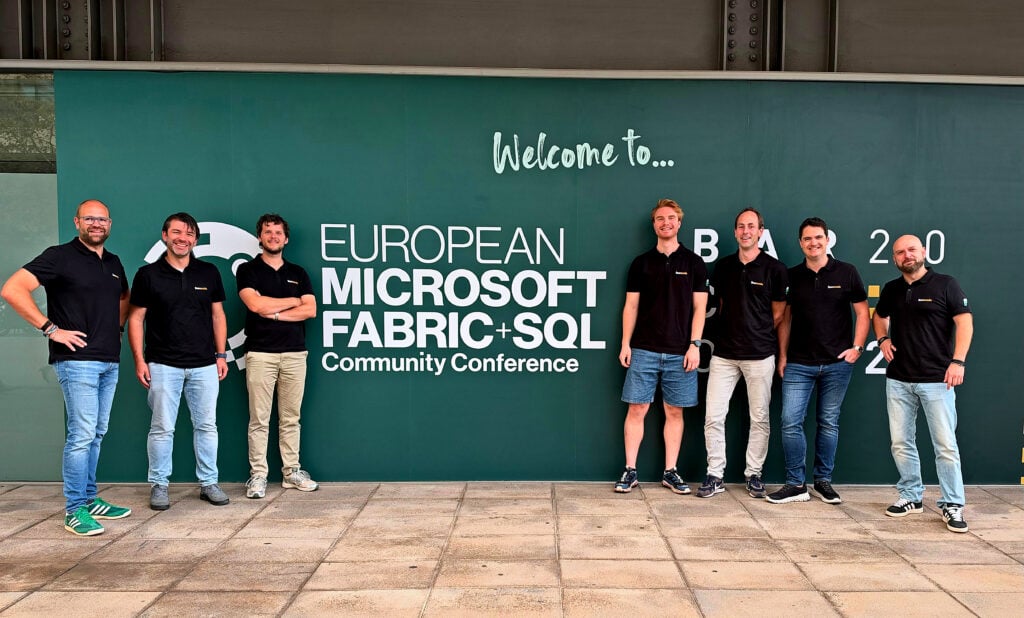
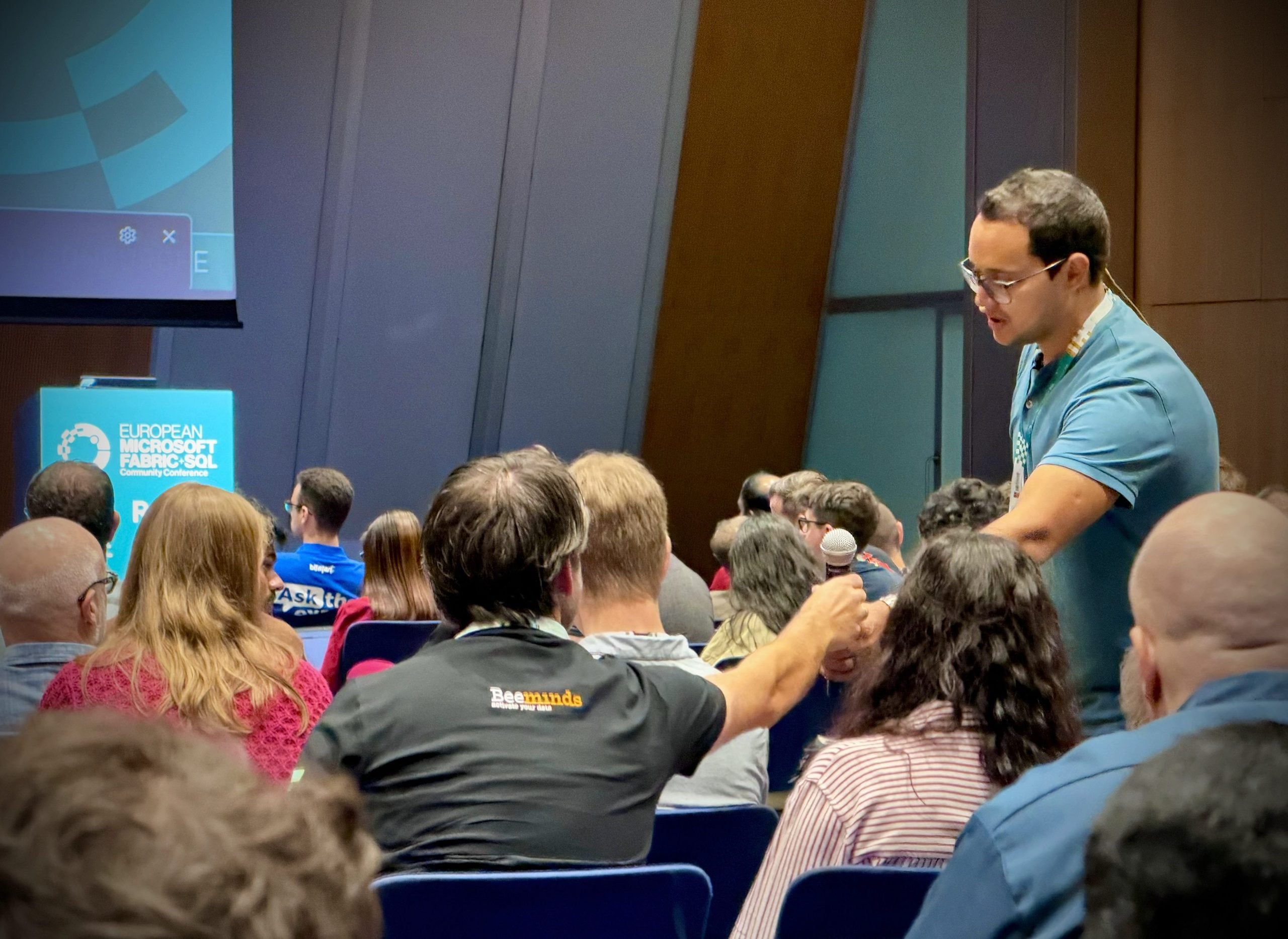
Our colleagues were at FabCon Europe 2026, where one moment summed up the direction the conference was heading. In one session, the speaker asked who was going to use the new Real-Time Intelligence interface. The room went notably quiet. That fits the shift FabCon showed this year: engineers, analysts, and end users increasingly work through agents rather than through screens full of buttons. Below are the announcements that matter to you.
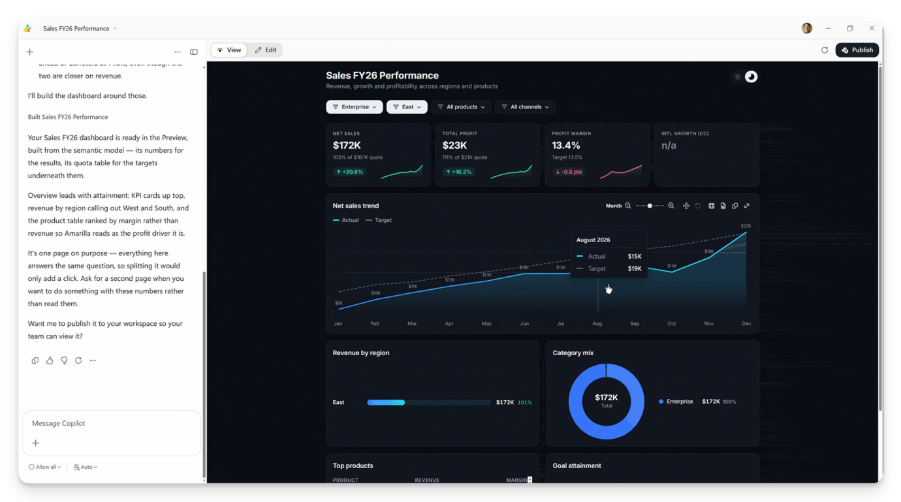
1. Modern Reports: reports you build with an assistant
Microsoft showed Modern Reports, essentially a new generation of Power BI. You describe what you want to see and let an AI assistant do a large part of the work. Another new feature: you can write data back from within the report itself. The storage for that is now included in your Power BI Pro license. For anyone working with Power BI, this means more people building reports faster, and adding or correcting data straight from the report.
The more people build their own reports and update figures, the more it matters that everyone sees the same truth. That is exactly what the Intelligenthive®, our AI data platform on Fabric, is built for: a single source of truth, with a catalog and lineage so you know where every figure comes from. No sprawl of standalone reports and silent changes, but one agreed structure that everyone builds within. Technically, Modern Reports builds on Fabric Apps, with more of the guardrails you know from today’s Power BI reports. Curious what this new way of reporting makes possible? Read our blog on Fabric Apps.
2. An agent that takes over the data engineering work
Microsoft showed Project Osmos, a data engineering agent that will be renamed Fabric Data Engineering Copilot. You set the goal and the boundaries; the agent works out the steps itself, carries them out, and checks the result, while your data never leaves your own Fabric environment. A good result matters more than a fast answer: the agent sometimes keeps working for hours, and in an early benchmark it did in 2 hours what used to take 24.
An agent like this stands or falls on the context you give it. On messy data, even a good agent gives wrong answers. That context is already in place in the Intelligenthive®: a catalog of definitions, data owners, and lineage. At FabCon Europe, our colleagues discussed this with Microsoft’s product team: connecting it to agents is possible. We’re testing that ourselves first: the agent gets the catalog as its working context, so it works with your business terms instead of raw tables. We have already built dozens of agents that organizations use every day to get from raw to relevant data faster. With the Data Engineering Copilot, Microsoft lays down a robust foundation that we can feed our context into, and that our own agents can plug into.
3. One place for monitoring, and paying for what you use
You can now have all workspaces log to one central place, so you see errors and failed pipelines in a single overview instead of scattered everywhere. That way you respond faster when something goes wrong. There is also an entry-level model (F0) where you don’t buy capacity up front, but pay for what you use. Here’s a case we see often at clients: a heavy, one-off full load that won’t fit your fixed capacity. You let it run on an F0 capacity and pay only for that single load.
In the Intelligenthive®, we already bring Fabric’s monitoring signals together in a DataOps dashboard, organized into logical load groups. The new Fabric monitoring doesn’t go that far yet, but it does make it easier to zoom in on individual runs within a loading chain. And paying per use raises the demand for cost transparency: when you pay by consumption, you want to know who uses what, and why. Fabric bills your usage in capacity units (CUs). Note: if you go fully pay-per-use, you pay more per capacity unit, and usage peaks are no longer smoothed across the day. So managing cost becomes more important, not easier.
4. Ontologies: the agent gets to know your business
An agent that doesn’t know your business is guessing: it sees tables and columns, but doesn’t know what a customer is, or how an order relates to a delivery. An ontology captures that: the concepts of the business and how they connect. In Fabric, the ontology is now a component in its own right that an agent can query, and that makes its answers better.
The ontology is part of Fabric IQ, the layer of business meaning that Copilot and other agents fall back on. The idea isn’t new, but at FabCon Europe it became tangible. What’s new is that an agent helps you set the ontology up: you get suggestions based on your Power BI models, your data in OneLake, and your documentation, and you review them before they go in. You describe rules in plain language, and you bring your existing Power BI metrics along. Data Agents and Real-Time Dashboards can use the ontology as a source too. Note: the ontology itself is still in preview. Fabric IQ in Copilot Chat and Cowork is generally available, with no extra charge for AI usage.
For us, this may be the most interesting announcement of the conference, because in the Intelligenthive® we already capture much of this metadata: entities, attributes, definitions, relationships, and ownership. That is exactly the material an ontology is made of. So we don’t have to design the ontology from scratch; we derive it from what is already there. That gets us to a working ontology faster, and so to an agent that gives usable answers faster.
What that means for you: if you work on the Intelligenthive®, the groundwork for agents is already done. The context we capture for your data platform is the same context an agent needs. A derived ontology is a good start, but not an end point: someone from the business still checks that the concepts are right.
What this means if you’re facing a move to Fabric
Fabric changes fast, and that pace isn’t letting up. The announcements above come from a single conference. You’ll find the full overview of all announcements at Microsoft. And updates keep arriving throughout the year. For an organization weighing whether to build on Fabric itself, that pace is the heart of the decision. Every announcement above asks the same work: assessing what it means for your platform, implementing it where it pays off, and keeping it current afterwards. We do that work once, for all our clients, and keep the foundation current as Microsoft keeps developing the platform. You stay in control, we make sure everything works.
Want to know what these announcements mean for your move to Fabric? Book a call and we’ll walk through it together.
With thanks to Richard, Didier, Axel, Jari, Marco and Michael for their insights.
share post